Android Devices
Android Devices
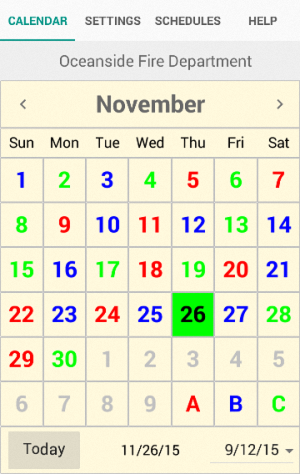
|
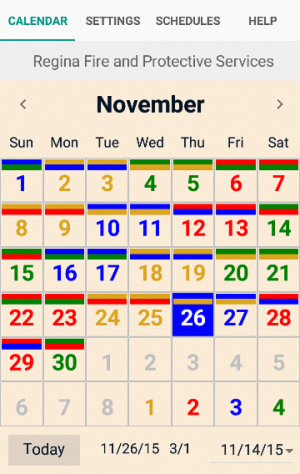
|
| 24-hour shifts | AM/PM shifts |
| Go to Google Play . | Go to Google Play . |
Hardware requirements for Android phones and tablets:
ARMv7 device with NEON support running one of these "flavors" of Android:
The following "named agency" applications are available on Google Play:
| Baltimore Fire | Google Play |
| Cal Fire | Google Play | Camp Pendlton | Google Play |
| Houston Fire | Google Play |
| Seattle Fire | Google Play |
These applications include support for debit days and RDO's.
If you work an unusual schedule and would like to see a custom Android application please contact Tech Support.
For those who are also using the desktop version of ShiftCal, the iCalendar files created by the SC2ICal utility can be used in Google Calendar.
Instructions for setting up Google Calendar and for merging data from SC2ICal can be found in the help file.